Adaptive Trigger Test — L2 & R2
Run the four resistance modes on your DualSense triggers — Off, Feedback, Weapon, and Vibration — directly from your browser. Verify the motors are firing, the actuators catch at the right travel point, and your controller isn't quietly failing on you mid-game before you spend money on a replacement.
Before you start
Four quick checks, then connect your controller — the whole setup takes about thirty seconds.
DualSense in hand
Original DualSense or the Edge variant. Adaptive triggers are PS5-only hardware.
Plug in USB-C
A wired connection is more reliable for HID commands than Bluetooth pairing.
Chrome or Edge
WebHID isn't available in Firefox or Safari yet. Opera and Brave also work.
Send real adaptive trigger commands
Pick a quick preset to feel a mode instantly, or build your own resistance profile per trigger using the consoles below.
If the test bench feels weird, play one of these and it'll click.
Adaptive triggers aren't a tech demo gimmick — they're a real part of how dozens of PS5 games are designed to feel. The six games below are the ones I'd reach for if I wanted to confirm a controller's triggers are doing their job before I trust them in a fast-paced session.
If you've felt the resistance change in any of these and it suddenly stops happening, the trigger motor on that side is likely failing — even if every other function still works fine.

Returnal
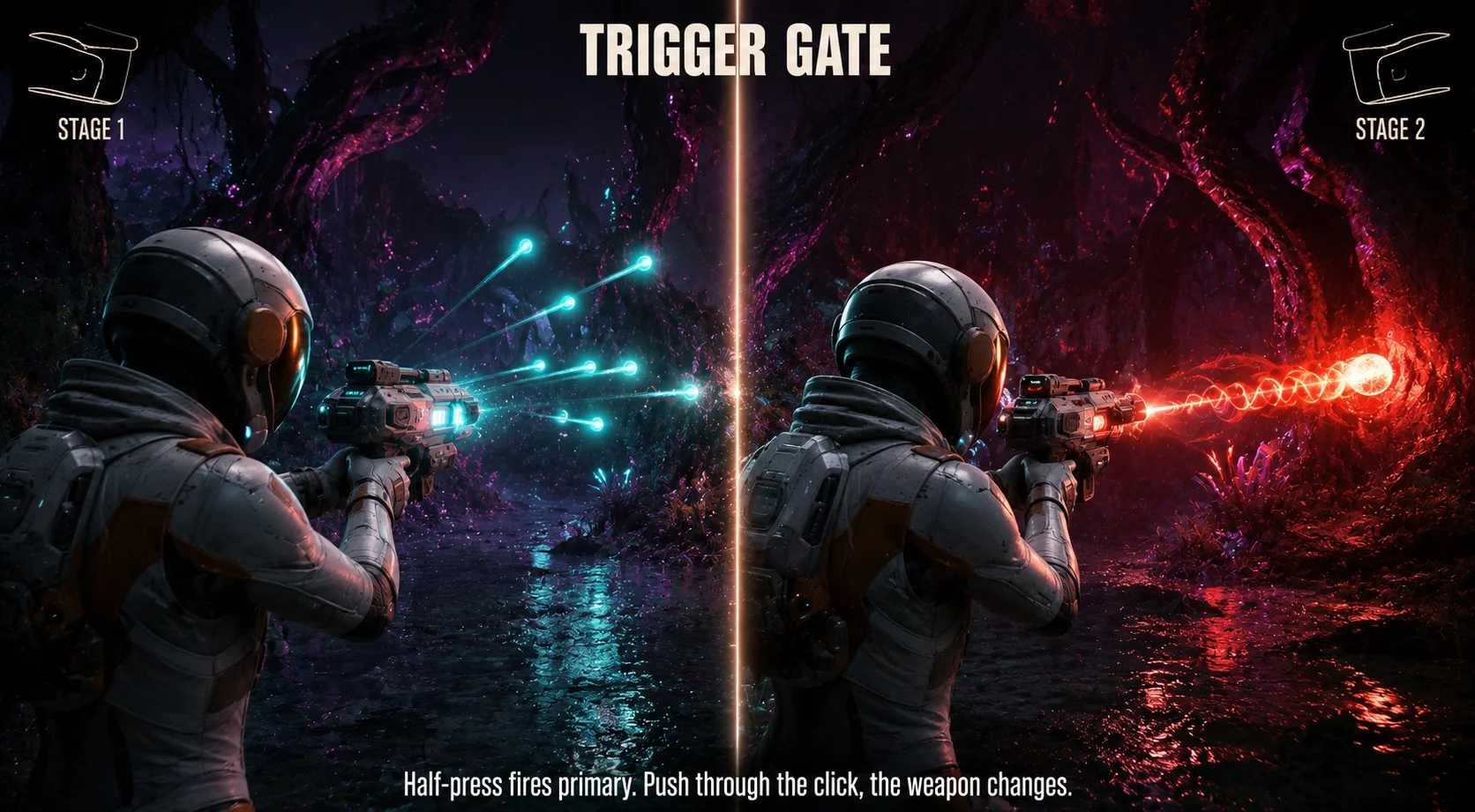
Selene's weapons split fire modes across the trigger pull. Half-press R2 fires primary. Push past the firm resistance click and you switch to alt-fire — a homing burst, a heavy slug, whatever the weapon's secondary is. The trigger physically gates two fire modes.
Gran Turismo 7
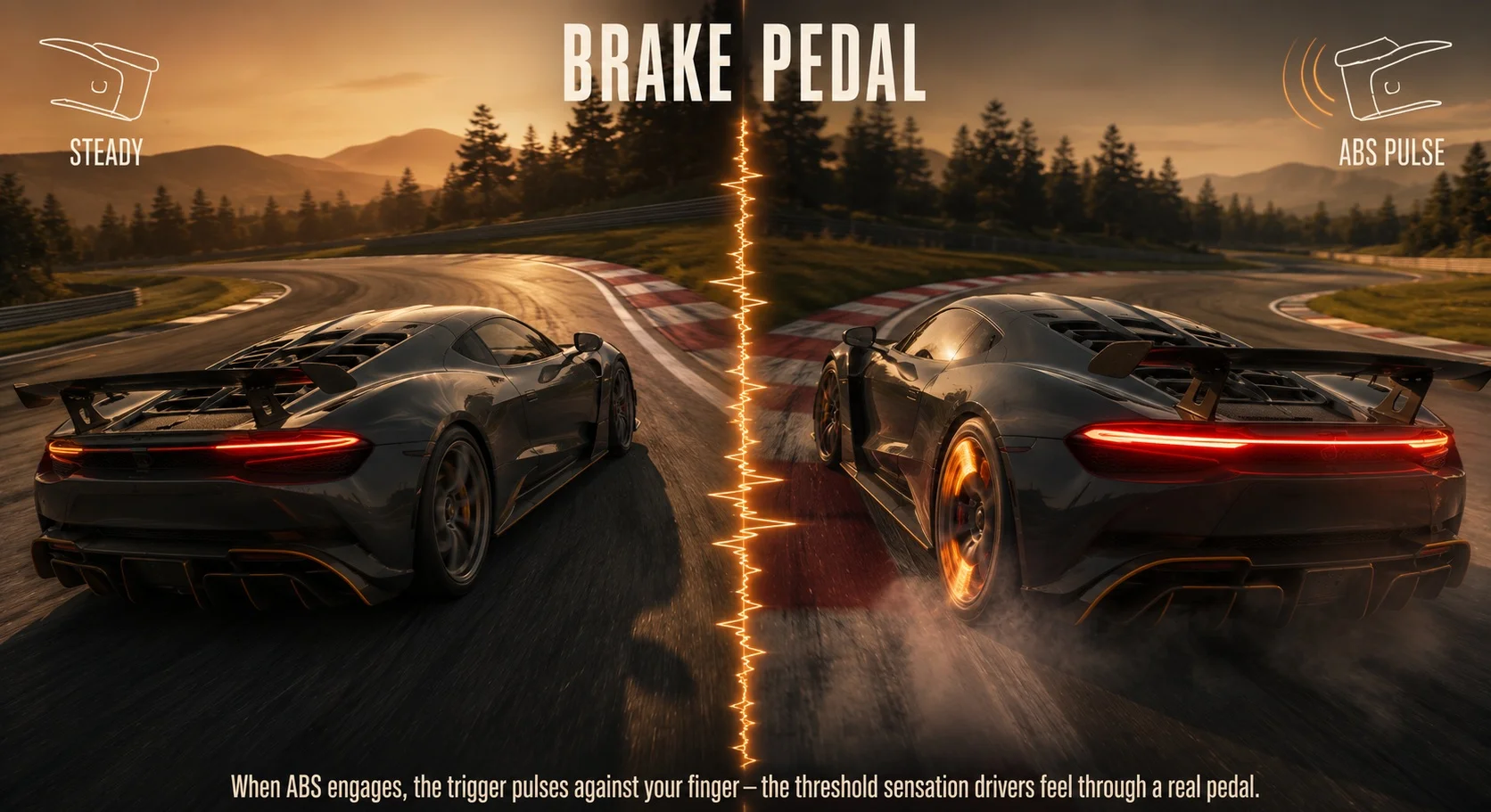
R2 isn't just a button here — it's a brake pedal. When ABS engages during hard braking, the trigger pulses against your finger in rapid cycles, mirroring the sensation racing drivers feel through a real pedal at the threshold of grip.
Astro's Playroom
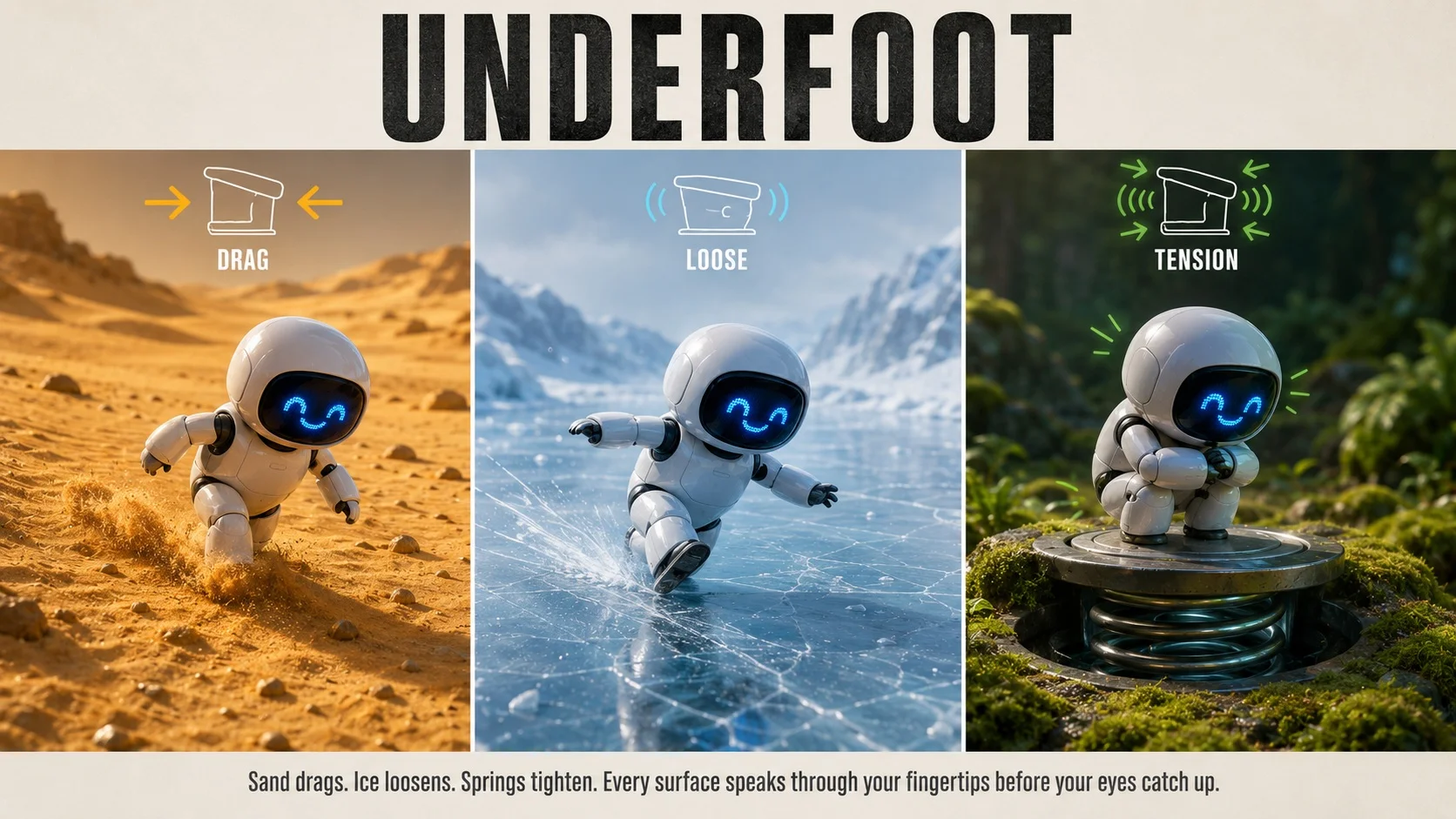
Walking through sand drags both triggers. Stepping onto ice loosens them. Spring-loaded bouncers tighten them up before launch. Every surface tells your fingers something different before your eyes catch up.
Ratchet & Clank: Rift Apart
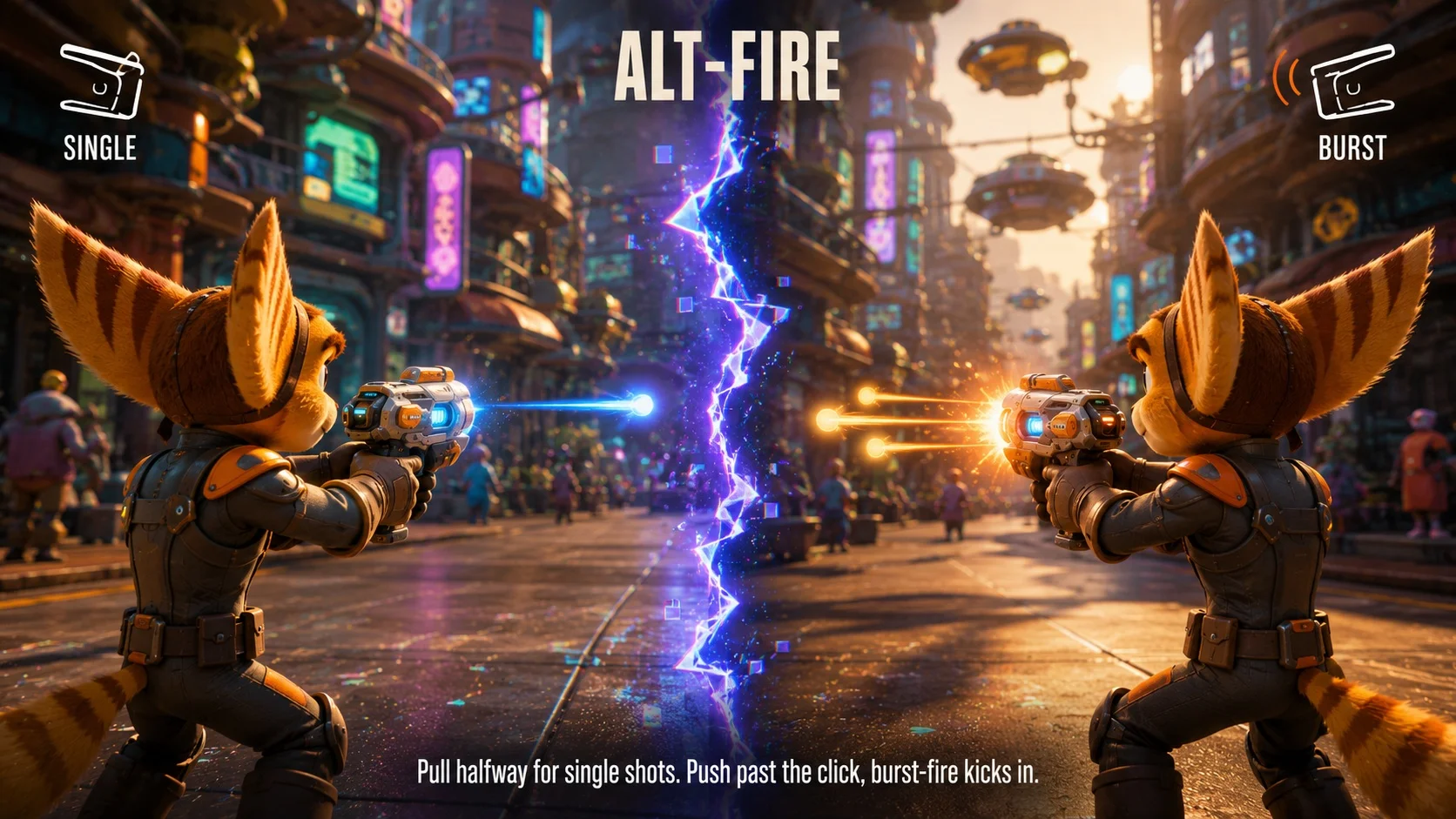
Most weapons in Rift Apart use a half-pull fire mode and a full-pull alt-fire, with a firm resistance click separating them. The Topiary Sprinkler and Burst Pistol are especially good showcases.
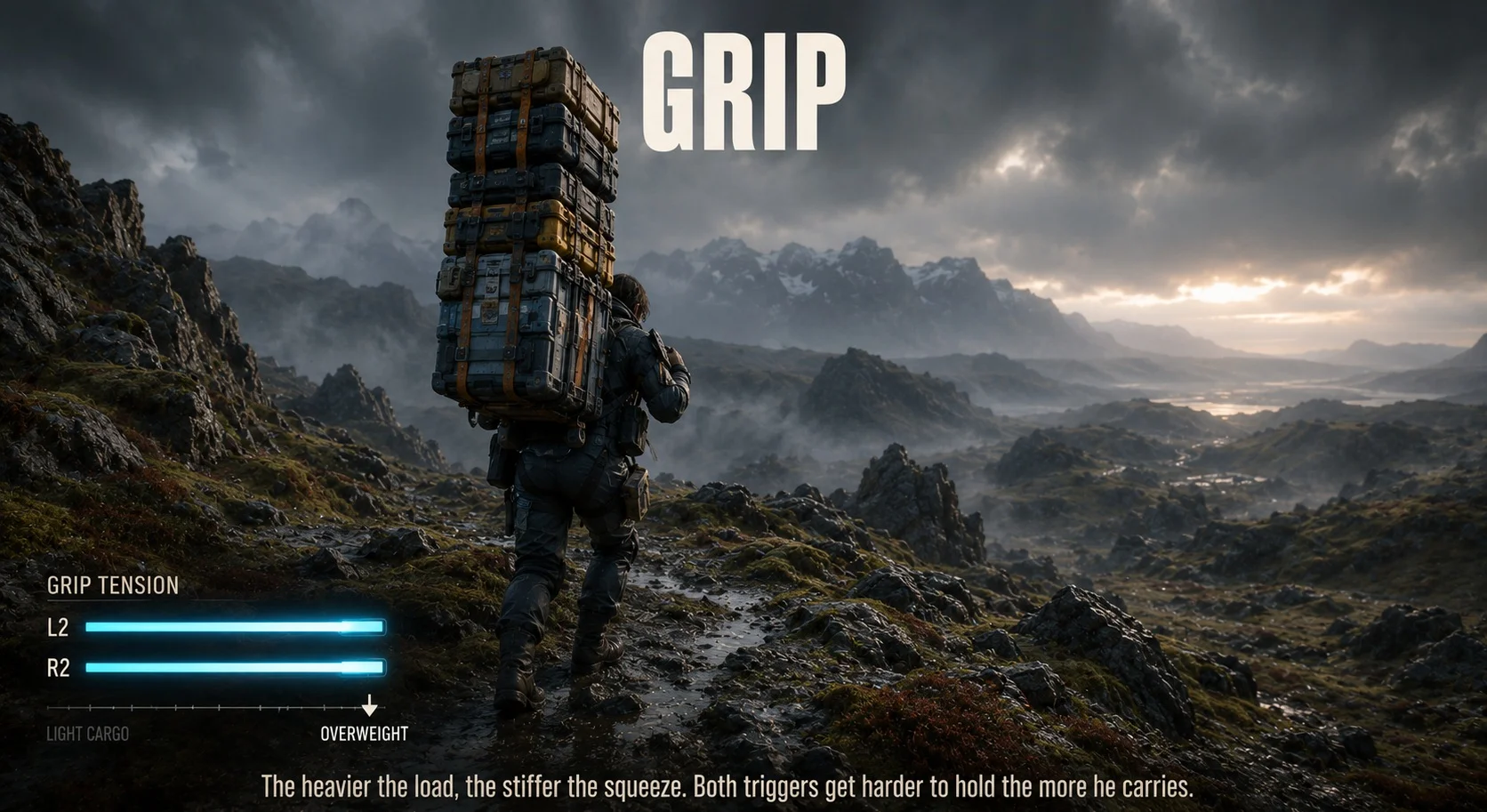
Death Stranding Director's Cut
L2 and R2 represent Sam gripping his backpack straps. The more cargo he's hauling, the stiffer the triggers get — heavy loads need a heavier squeeze to keep him steady on uneven ground.
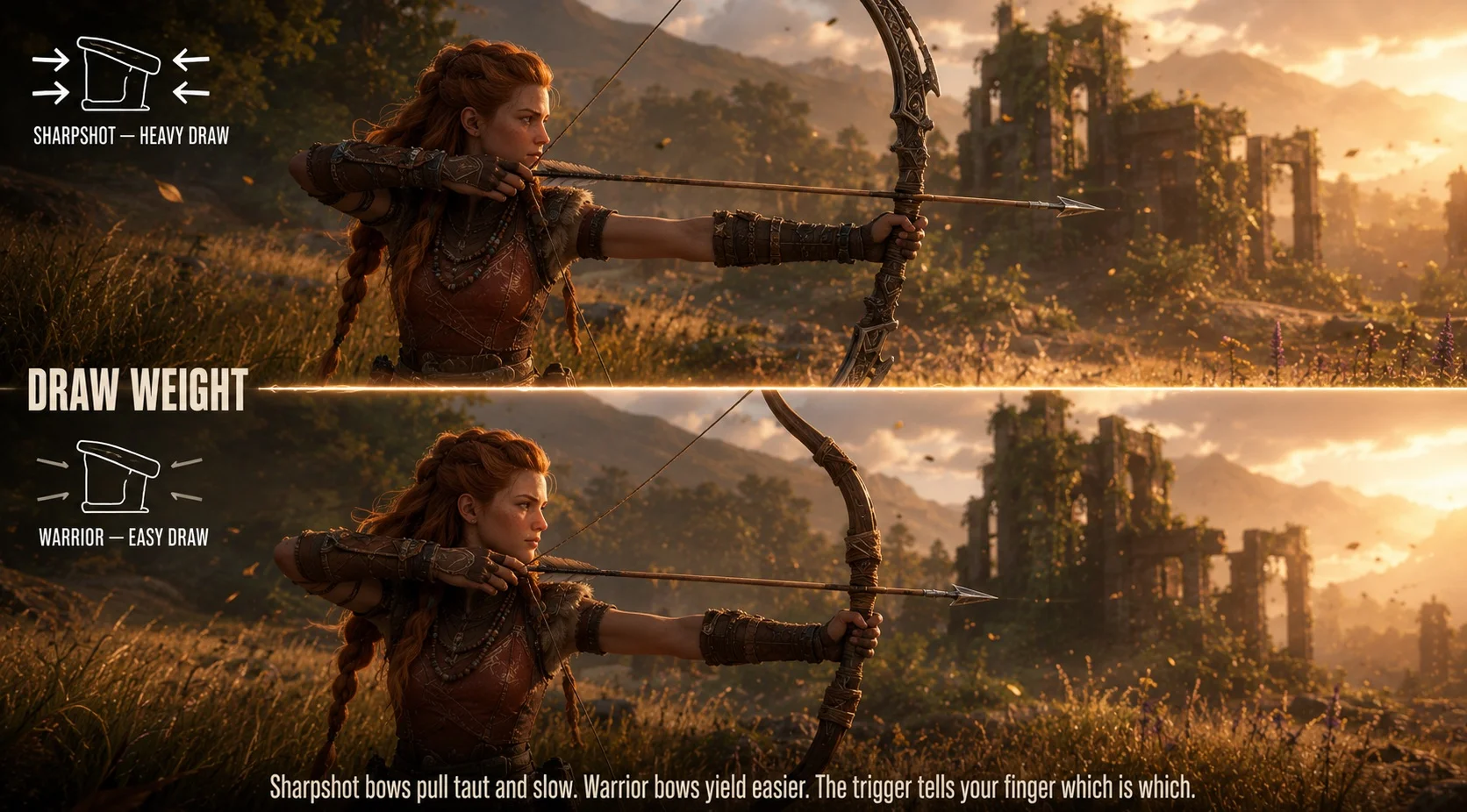
Horizon Forbidden West
Drawing Aloy's bow puts gradual tension on L2. Sharpshot bows feel taut and slow to pull. Warrior bows yield easier. The trigger tells you the bow's weight class through your finger before the arrow leaves.
Adaptive triggers are exclusive to Sony's DualSense and DualSense Edge controllers — third-party PS5-compatible pads (Hori, Razer, etc.) usually skip the resistance motors, so don't expect this behavior from a non-Sony controller.
If something feels off — start here
Six failure patterns most commonly seen on DualSense adaptive triggers, ordered by what you can fix yourself versus what needs a replacement module.
Both triggers stop responding to in-game adaptive effects mid-session, even though regular button input still works fine.
Stale HID state — controller firmware can lose sync with the console after long sessions, especially over Bluetooth.
Hold the PS button for ten seconds to power-cycle, then reconnect. Check Settings → Accessories → Controllers for a firmware update while you're there.
One trigger feels briefly locked or skips through certain travel zones — sometimes catching, sometimes not.
Crumbs, dust, or hair has worked into the trigger well and is fouling the gear path. Common after long use on a desk or couch.
Blow compressed air into the gap behind the trigger while pulling and releasing it. If the rough spots stay after that, the housing needs opening.
One trigger's resistance feels noticeably weaker than the other side at the same settings, side-by-side.
Worm gear teeth on the weaker side are worn down from heavy use — the motor still turns but slips against the gear teeth instead of biting.
The trigger module on that side needs replacement. iFixit and several repair shops sell PS5 trigger assemblies; expect tri-wing screws and a soldering iron.
Adaptive effects work the first 20–30 minutes of a session, then quietly stop until the controller has cooled down.
Motor thermal cutoff. Worn or partly-shorted coils run hotter than new ones and trip the safety threshold sooner with each cycle.
Note how soon the cutoff hits. If the window keeps shrinking — 30 min, then 15, then 5 — the motor is degrading and will fail completely. Replace before it does.
Audible grinding, buzzing, or rapid clicking from the trigger area whenever a resistance mode is active.
Gear teeth have stripped or a motor bearing has lost a ball — the motor is now grinding metal-on-metal inside the assembly.
Stop using that trigger immediately. Continued use will deposit metal fragments into nearby contacts and can damage parts that aren't broken yet. Replace the module.
One trigger shows zero resistance in every mode, even though the trigger axis still reads pull position correctly in the live meter.
Motor coil has burned out or the worm gear has snapped clean off the motor shaft. The position sensor is fine; the resistance hardware is dead.
Resistance is gone for good without a hardware swap. Position input still works for normal gameplay — but adaptive effects in supported games are over until the trigger module is replaced.
When DIY isn't worth the risk
If the controller is still under Sony's 12-month warranty, opening it voids the coverage — send it to Sony's repair service first. Out-of-warranty controllers under heavy use are usually worth replacing rather than repairing, since other components (sticks, batteries, pad contacts) are wearing in parallel.